Last Updated: November 10, 2026
Quick answer: Hardware devices are physical equipment used with a computer. Roles include input. Output. Storage. Processing and communication. Software is the programs and instructions, such as operating systems, applications, and device drivers. The physical parts come from hardware. Software directs the tasks performed with them.
Table of Contents
Introduction
Trying to sort a keyboard, printer, operating system, and browser into the right groups? The phrase “hardware and software devices” brings together two different categories: physical equipment and programs. Keyboards and printers are hardware devices; operating systems and browsers are software. Start by separating those categories, then group the hardware by what it does.
What are hardware and software in a computer?
Hardware? The physical equipment used in or with a computer. Software is made up of programs and instructions that tell the computer what tasks to perform. A keyboard is hardware. An operating system? Software.
What are the main types of hardware devices?
Hardware devices can be grouped by their main function. Five groups. Input. Output. Storage. Processing. Communication.
The table below follows these five functional groups, as outlined in the Hachette textbook sample. Examples are included too, to help explain the role of each type of device.
| Hardware category | What it does | Examples |
|---|---|---|
| Input | Sends data or instructions to a computer. | Keyboard, mouse, scanner, touchscreen |
| Output | Presents information from a computer. | Monitor, printer, speaker |
| Storage | Keeps data or programs for later use. | Hard disk drive, USB flash drive |
| Processing | Carries out computer instructions. | Central processing unit (CPU) |
| Communication | Supports connections or data exchange. | Modem, router, network interface card (NIC) |
A webcam captures visual input. Although people use it for communication, it belongs in the input category when hardware is grouped by function. IBM’s hardware overview identifies webcams as visual input devices and modems, routers, and network interface cards as networking hardware.
What are the main types of software?
Two main types of software are system software and application software. System software manages computer resources and supports the computer’s operation. Application software helps users complete specific tasks.
An operating system is system software. Device drivers are also system software; they help the operating system communicate with particular hardware. Word processors, spreadsheets, graphics programs, and database programs are examples of application software.
Hardware and software examples in a computer setup
A computer setup contains both physical equipment and programs. These examples show how to tell them apart.
| Item | Classification | Main role |
|---|---|---|
| Keyboard | Hardware: input | Enters text and commands. |
| Monitor | Hardware: output | Displays information. |
| Processor (CPU) | Hardware: processing | Carries out instructions. |
| Storage drive | Hardware: storage | Stores programs and files. |
| Operating system | System software | Manages computer resources and supports applications. |
| Word processor | Application software | Creates and edits documents. |
| Printer driver | System software | Helps the operating system communicate with a printer. |
How do hardware devices and software work together?
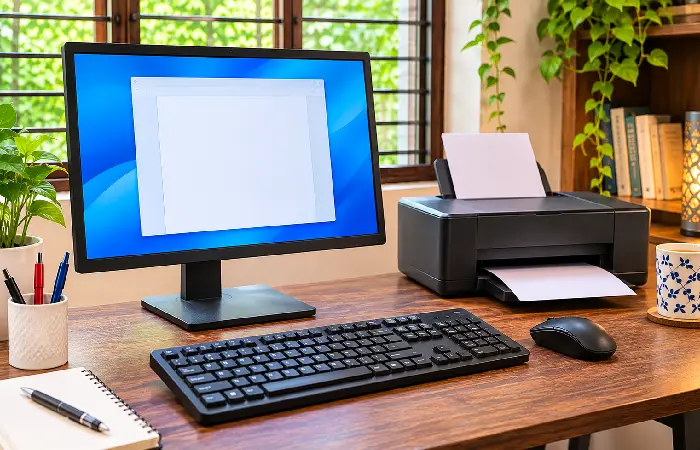
Hardware and software work together to receive input and process information. Then comes displaying output. Saving results too.
Here’s what happens when you create and save a document:
- Your text and commands enter through the keyboard, as input.
- The operating system manages resources. The word processor supplies the editing tools.
- The CPU carries out instructions from the software.
- The document shows up on the monitor.
- When you save, the storage drive stores the file.
Each item has a role. The keyboard is hardware. So are the processor and monitor. Same for the storage drive. The operating system and word processor are software.
To classify an item, start with one question. Is it physical equipment or a program? Then identify its function. The broader topic is covered in our guide to hardware and software.